Productivity & Planning
How to Use the Project Timeline Micro-Generator for Instant Team Alignment
Stop struggling with bloated PM software. Generate clean, copyable text-based Gantt charts and Markdown timeline tables in under 30 seconds.
If you have ever tried to map out a quick project schedule inside a Slack message, a client email, a Notion page, or a GitHub pull request, you know the frustration. You spend twenty minutes opening calendar tabs, manually counting business days, aligning ASCII text, or taking awkward screenshots of heavy Gantt charts.
Communication friction destroys team momentum. When stakeholders simply need to know when Phase 1 ends and when QA testing begins, forcing them to log into enterprise project management software creates an unnecessary barrier.
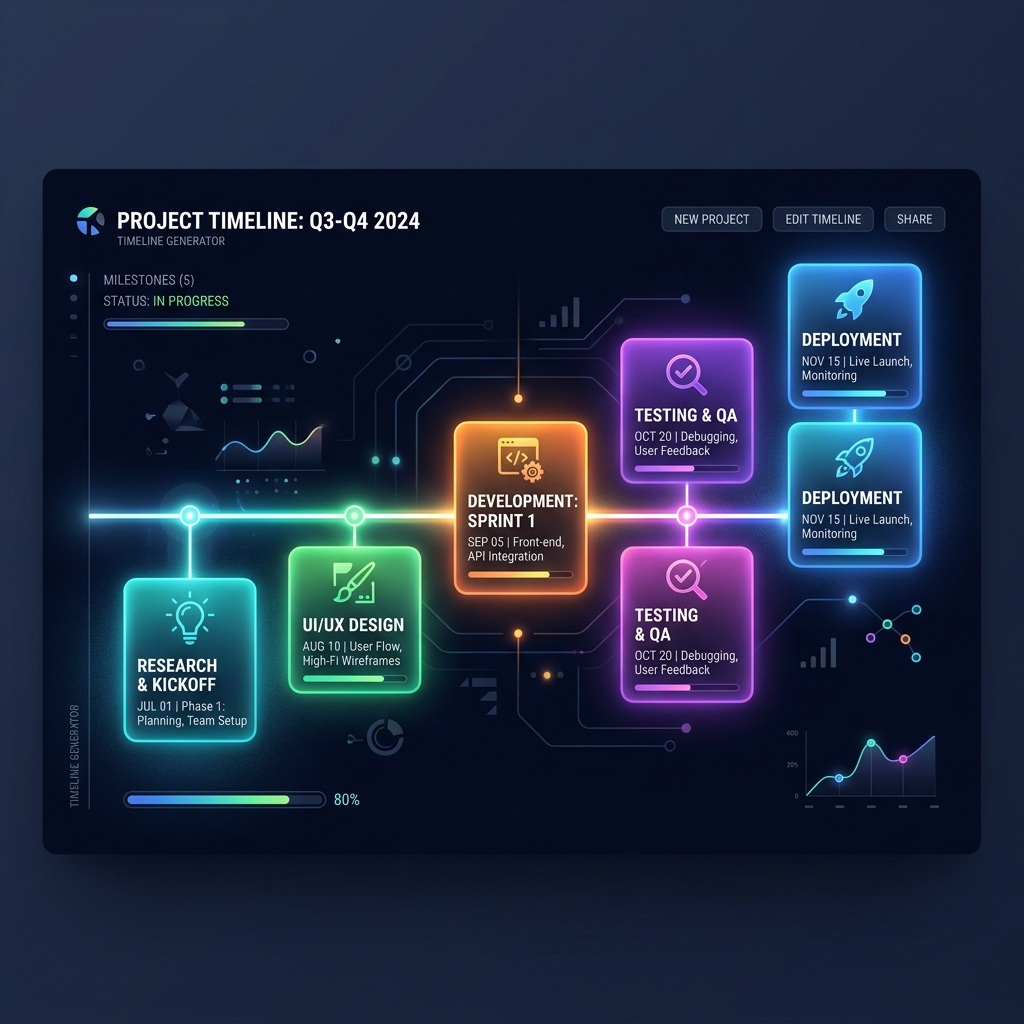
The Project Timeline Micro-Generator on DayLogic was engineered specifically to solve this problem: converting milestone durations into clean, copyable Markdown tables and visual text timelines instantly.
1. The Enterprise Software Paradox: Heavy PM Tools vs. Quick Alignment
Heavyweight enterprise tools like Jira, Microsoft Project, Monday.com, or Asana are built for complex, multi-team dependency tracking across long-term roadmaps.
However, for daily communication tasks—such as sending a proposal to a freelance client, presenting a 2-week sprint plan to engineering leadership, or updating a documentation wiki—these heavy tools are massive overkill:
- Access Restrictions: External clients or cross-functional team members often lack login permissions to your internal Jira or Asana boards.
- Context Switching: Exporting PDFs or capturing image screenshots breaks the natural flow of text documentation.
- Maintenance Overhead: Setting up a full project board for a simple 4-step task takes longer than executing the work itself.
2. Why Plain-Text & Markdown Timelines Win
Plain-text and Markdown-formatted timelines are portable, lightweight, and universally supported across modern communication platforms:
⚡ Instant Copy & Paste
Paste directly into Slack, Teams, Notion, GitHub issues, or emails without broken formatting or lost images.
🔍 Searchable & Version-Controlled
Text timelines can be indexed by search engines, git repositories, and internal team documentation wikis effortlessly.
3. Automatic Date Math: Business Days vs. Calendar Days
The most tedious aspect of constructing a project schedule manually is counting days across weekends and month boundaries.
If a 5-day design task begins on a Thursday, it should not end on Monday of the next week if weekend days are non-working!
The DayLogic Micro-Generator automates this logic completely. You simply specify your starting date, define milestone durations (e.g., "3 days," "7 days"), and choose whether to include or skip weekends. The generator computes exact calendar start/end dates for every milestone automatically.
4. Step-by-Step Guide: How to Generate Your Timeline
Step 1: Set Project Start Date: Select the calendar date when Phase 1 kicks off. Step 2: Input Milestones: Add project phases (e.g., Discovery & Planning, UI/UX Design, Frontend Development, QA Testing, Launch). Step 3: Assign Working Days: Enter estimated day durations for each milestone. Step 4: Choose Format: Select **Markdown Table** (for Notion/GitHub) or **Gantt Chart Text**. Step 5: Copy Output: Click "Generate" and paste the clean output directly into your document!
5. Real-World Example: Sample Markdown Output
Here is an example of the clean Markdown table generated by the tool for a 3-phase website launch:
| Phase | Milestone | Duration | Start Date | End Date |
|---|---|---|---|---|
| 01 | Discovery & Wireframes | 5 Business Days | Aug 03, 2026 | Aug 07, 2026 |
| 02 | Frontend Implementation | 10 Business Days | Aug 10, 2026 | Aug 21, 2026 |
| 03 | QA & Staging Deployment | 3 Business Days | Aug 24, 2026 | Aug 26, 2026 |
6. Try DayLogic’s Timeline Micro-Generator
Stop wasting valuable time doing manual date arithmetic on desk calendars.
Visit DayLogic’s Date Calculator Suite and select the Project Timeline tab to generate your next project schedule in seconds.
Generate Your Project Timeline Now
Create clean, professional Markdown timelines and Gantt tables for your team in under 30 seconds.