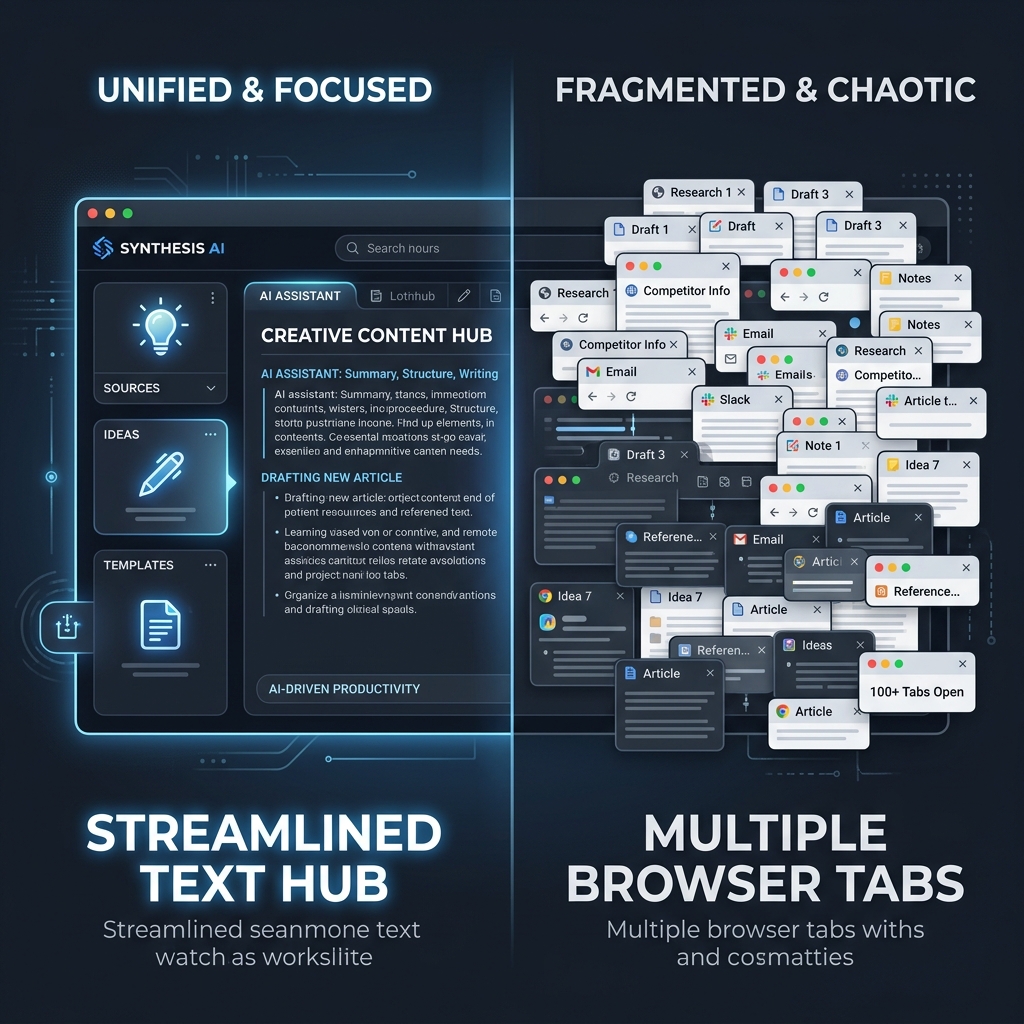
Productivity & Text Utility Comparison
DayLogic Text & Content Helper vs. Other Tools: Why Unified Utilities Win
Stop opening 10 separate browser tabs for basic text editing. Explore how an all-in-one client-side pipeline transforms writer and developer productivity.
If you write content, draft social media updates, format data lists, or develop web applications, your daily workflow almost certainly involves micro-text processing.
Need to count words? You Google "word counter." Need to convert a title to camelCase or slug format? You open a second website. Need to strip extra spaces or pull email addresses out of a raw document? You search for a third and fourth tool.
Before long, your browser is cluttered with a dozen single-purpose tabs—each surrounded by intrusive ads, popups, and slow page loads.
The DayLogic Text & Content Helper was built specifically to solve this fragmentation by combining essential text manipulation utilities into a single, lightning-fast workspace.
1. The Architectural Comparison: Fragmented Tools vs. DayLogic Unified Pipeline
| Feature / Standard | Typical Online Text Tools | DayLogic Text Helper |
|---|---|---|
| Scope of Work | Single purpose (1 action per site) | Unified (Cleaning, Counting, Formatting, Extracting) |
| Data Privacy | Often posts text to remote servers | 100% Client-side DOM Memory (Never leaves browser) |
| Social Character Limits | Generic raw number counts only | Visual progress rings for X/Twitter, LinkedIn, Meta tags |
| Data Extraction | Requires separate developer tools | 1-Click Regex extraction (Emails, URLs, Numbers) |
| Interface & Ads | Cluttered with popups & auto-play videos | Distraction-free, responsive Tailwind UI |
2. Core Feature Audit: What Makes DayLogic Superior
🔤 Multi-Format Case Converter
Instantly convert text between Title Case, UPPERCASE, lowercase, sentence case, camelCase, PascalCase, snake_case, and kebab-case URL slugs with a single click. Ideal for copywriters and software developers alike.
📊 Social Media Progress Rings
Raw character counts don’t tell the whole story. DayLogic provides interactive visual rings that show character capacity for X/Twitter (280 chars), LinkedIn post limits, and Google SEO Meta Description limits (155-160 chars) as you type.
⚡ 1-Click Text Sanitization & Cleaning
Clean up messy text instantly. Toggle options to remove extra white spaces, strip line breaks, remove emojis, or eliminate HTML tags automatically.
🔍 Instant Regex Data Extractor
Have a raw document or unformatted email string? Extract all email addresses, URLs, phone numbers, or hashtags into a clean list with a single button press.
3. The Security & Privacy Advantage
When you paste draft articles, proprietary code, customer emails, or sensitive marketing copy into online text tools, where does your data go?
Many traditional single-purpose text tools transmit your pasted input to backend servers for processing or logging.
**Complete DOM Memory Privacy** DayLogic processes all text operations strictly inside your local browser memory using client-side JavaScript. Your text is never stored in a database, sent to a server API, or recorded in analytics. Closing your tab immediately destroys all transient text data.
4. Streamline Your Daily Text Workflow
Whether you are an SEO specialist optimizing page titles, a content marketer editing articles, a developer formatting JSON strings, or a student checking word counts, DayLogic gives you a single, reliable hub to get work done without distraction.
Bookmark the DayLogic Text & Content Helper today and eliminate tab clutter forever.
Try the All-in-One Text Helper
Clean, convert, count, and extract text instantly with zero ads or paywalls.