Lifestyle & Remote Work Productivity
How a Dedicated Time Zone Converter Restores Calm to Your Digital Life
From remote work sprints and digital nomad travel to staying in touch with distant loved ones—discover how eliminating time zone guesswork frees up mental bandwidth.
We live in an era of unprecedented connectivity. A freelance designer in Buenos Aires can collaborate on a brand strategy with a founder in London, while software engineers in Warsaw and Taipei review code together in real time.
Yet, despite our high-speed fiber networks and video call apps, human beings remain tethered to the physical rotation of planet Earth. When it is 9:00 AM on a crisp Tuesday morning in San Francisco, it is already 2:00 AM on Wednesday in Sydney.
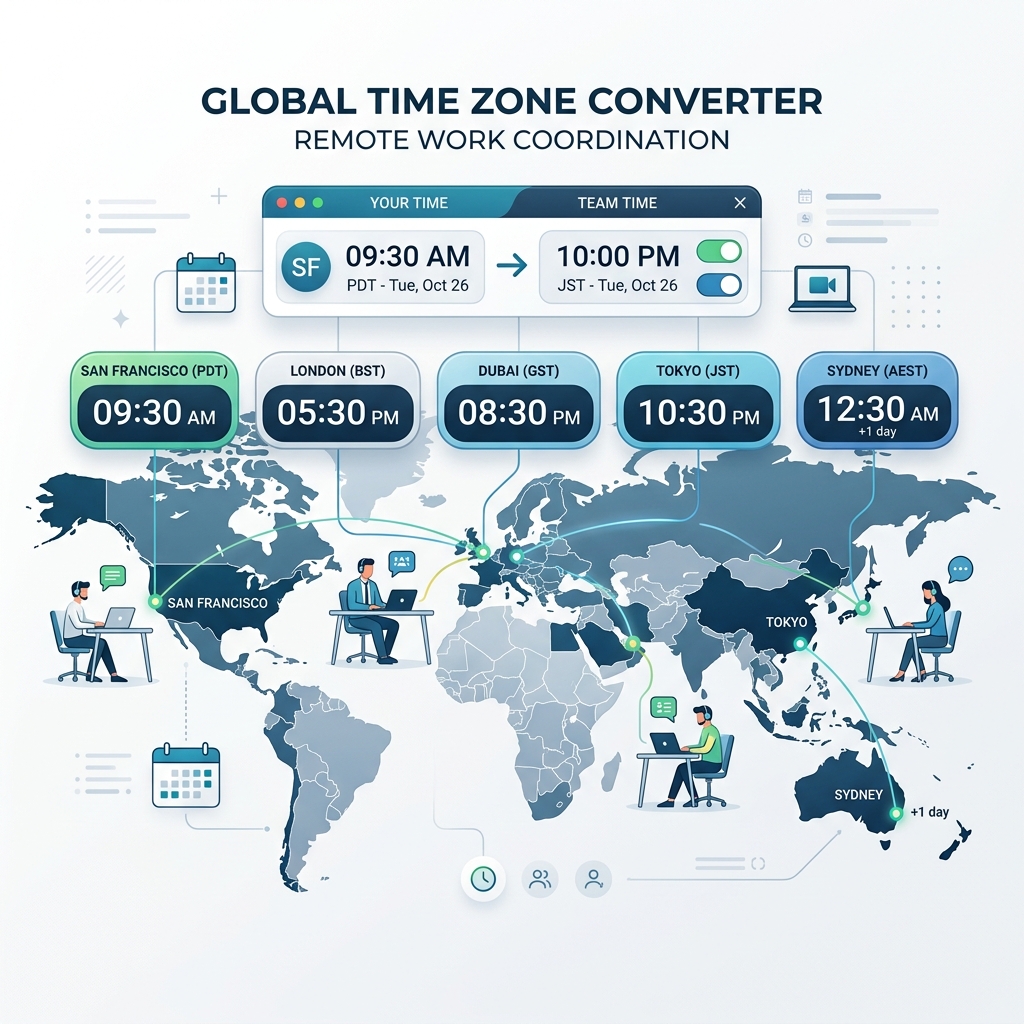
Managing these temporal offsets is one of the subtle, persistent sources of cognitive friction in modern digital life. Here is how a dedicated, visual time zone converter simplifies your daily existence.
1. Eliminating "Micro-Cognitive Fatigue"
Cognitive load theory suggests that our brains have a finite amount of working memory available for decision-making each day. Every time you pause your actual work to ask: "Wait, is Paris 6 hours ahead of New York or 5? Did they switch their clocks for Daylight Saving Time yet?", you burn precious mental energy.
Doing mental time conversion arithmetic dozens of times a day accumulates into micro-cognitive fatigue. A visual time zone tool acts as an external brain module—instantly rendering the exact local time across all your key locations so your mind remains focused on high-value creative work.
2. Case Study: The Remote Team Leader
Consider Sarah, an engineering manager overseeing a distributed team of eight engineers across California, North Carolina, the United Kingdom, and Vietnam.
Before using a multi-city time zone converter, Sarah spent 30 minutes every Monday organizing sprint review meetings. She would constantly check world clocks individually, frequently proposing times that fell during Vietnam’s late-night hours or California’s pre-coffee morning.
**The Overlap Solution** By building a permanent city stack in DayLogic's Time Zone Converter, Sarah can instantly spot the 2-hour daily window where California is starting its workday and Vietnam is wrapping up theirs. Team morale improved overnight simply because meeting requests stopped interrupting family dinners or sleep schedules.
3. The Global Freelancer: Mastering Email Inbox Timing
For international freelancers, consultants, and agency owners, timing is everything.
If you send a proposal email to a client in London at 4:00 PM Pacific Time, it lands in their inbox at 12:00 AM midnight GMT. By the time the client starts work at 9:00 AM Wednesday morning, your email has been buried under dozens of new overnight notifications.
Using DayLogic’s Time Zone Converter, freelancers can time their outreach so proposals arrive precisely at 8:45 AM in the client's local time zone—placing their email right at the top of the inbox as the client opens their mail client.
4. Digital Nomads & International Travel Itineraries
For digital nomads and frequent international travelers, navigating flight connections, hotel check-in windows, and work commitments while suffering from jet lag is daunting.
✈️ Flight Connection Clarity
Easily compare departure times in origin cities with arrival times in layover hubs to avoid missing connecting flights or ground transportation.
🏠 Staying Connected with Home
Keep a permanent bookmark for your hometown so you always know when it is appropriate to call family or check in with friends back home without waking them.
5. Experience Frictionless Global Coordination
Time zone math should never stand in the way of global collaboration or personal relationships.
Try DayLogic’s Time Zone Converter today to build your custom city stack and coordinate your global life effortlessly.
Simplify Your Global Schedule Today
Find overlapping business hours, convert multi-city clocks, and copy instant summaries.